
Description
Product Overview
The BioPass FIDO2 K27 from Feitian combines a USB Type‑A connector with an integrated fingerprint sensor, delivering hardware‑based, password‑less authentication. Housed in a durable 2 × 0.75 × 0.25 inch aluminum shell, the key weighs just 0.423 oz, making it portable for everyday carry. It supports the latest FIDO2 standards (WebAuthn and CTAP) as well as legacy FIDO U2F, ensuring broad compatibility across browsers and services. Internally, NAND flash stores encrypted credential data, while the fingerprint module performs matching entirely on‑device, guaranteeing that biometric data never leaves the key.
Usage
Designed for professionals, developers, and security‑conscious consumers, the BioPass K27 fits seamlessly into daily workflows. Plug the key into any USB‑A port to log into Windows, authenticate Google or Microsoft accounts, or access enterprise platforms like Okta, Azure AD, and Salesforce. Its fingerprint verification adds a second factor without the need for a separate token, ideal for remote work, travel, or high‑security environments where phishing attacks are prevalent. 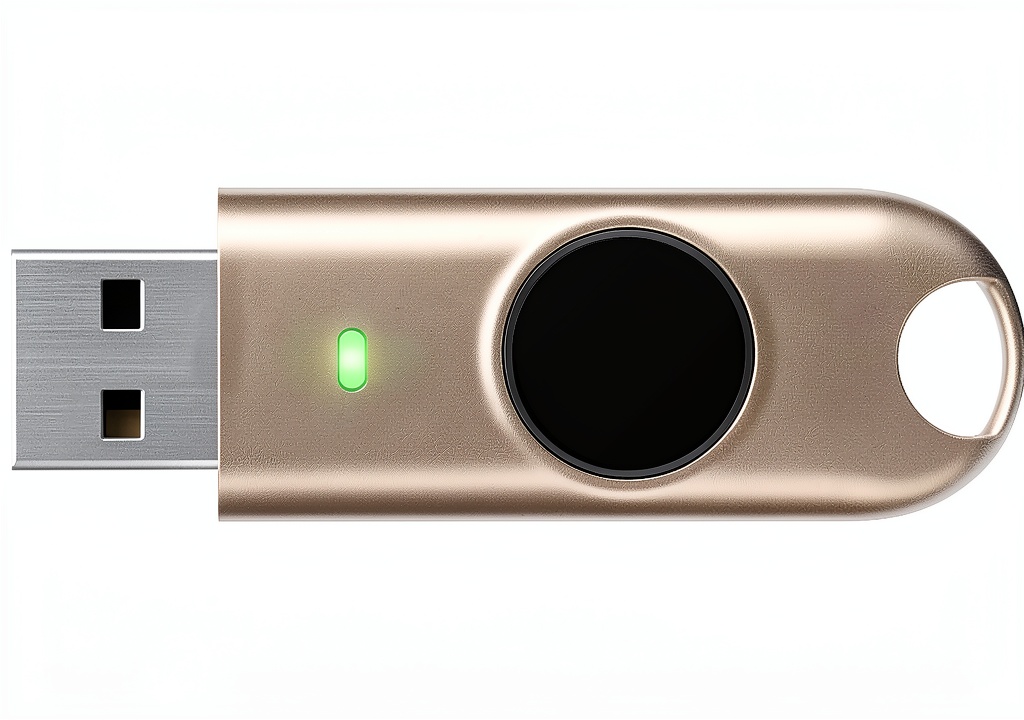
Why Choose Us
Feitian’s reputation for robust security hardware underpins the BioPass K27. The device is FIPS 140‑2 level 2 certified, meeting stringent government standards for cryptographic modules. Unlike software‑only solutions, the key stores biometric templates in a tamper‑resistant module, eliminating the risk of server‑side data breaches. Continuous firmware updates and a dedicated registration app from Feitian ensure the key stays compatible with emerging authentication protocols.
Key Features
- Built‑in fingerprint sensor with on‑device matching for zero‑knowledge security
- FIDO2 and FIDO U2F support across browsers and major online services
- FIPS 140‑2 level 2 certification for government‑grade cryptographic assurance
- Compact aluminum design, 0.423 oz, fits easily on a keychain or laptop bag
- Plug‑and‑play USB‑A connectivity, no drivers required on Windows, macOS, or Linux
FAQ
How is my fingerprint data protected?
The fingerprint template is encrypted and stored only within the secure element of the key. Matching is performed locally, so the raw biometric data never leaves the device or is transmitted over the network.
Can I use the BioPass K27 with macOS or Linux?
Yes. The key follows the FIDO2 standard, which is supported natively by modern browsers on macOS and Linux. No additional drivers are required.
What services are compatible with this key?
It works with Google, Microsoft, Facebook, Twitter, Dropbox, Salesforce, Okta, Azure AD, Coinbase, Bank of America, Duo Security, and many other platforms that support FIDO2 or U2F authentication.
Do I need to install software to register my fingerprint?
Feitian provides a free registration application on its website. Download, run the app, and follow the on‑screen prompts to enroll your fingerprint securely.
Is the key reusable if I lose it?
Because credentials are stored on the device, losing the key does not expose your biometric data. You can simply register a new BioPass key with your accounts, and revoke the lost key’s credentials from each service’s security settings.
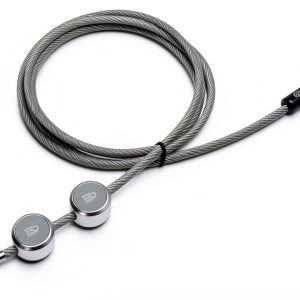
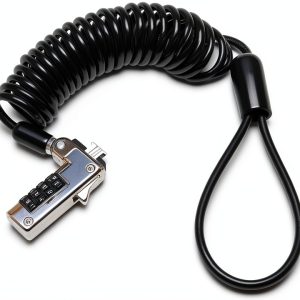
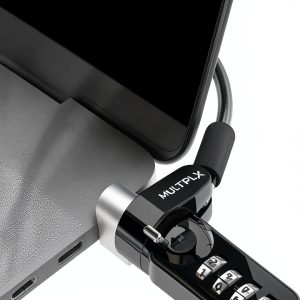
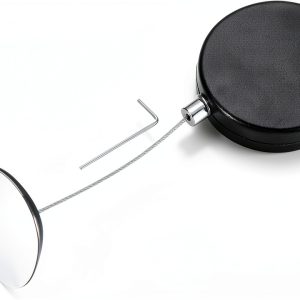
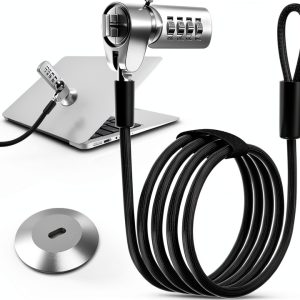 DDONG Laptop Lock Stainless Steel Security
Reviews
There are no reviews yet.